

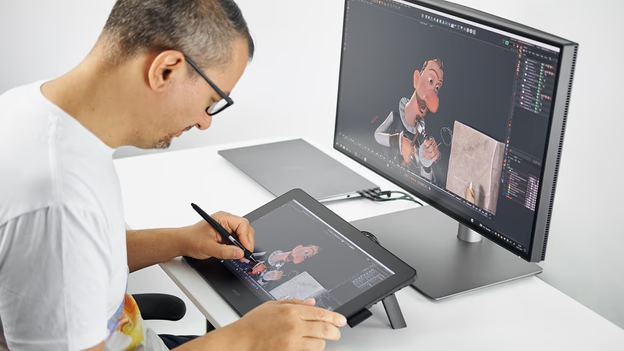

Choosing the best drawing tablet can be overwhelming, especially now that digital artists demand sharper displays, higher pen pressure and smooth lag free performance. Whether you’re a complete beginner learning digital art a student working on illustrations or a professional designer needing accurate color and fast workflow, the right tablet can transform your creativity. In 2025, tablets have become more affordable more powerful and far more comfortable to use with better stylus precision, matte anti glare screens and standalone Android tablets that require no computer at all.
This guide breaks down the top drawing tablets worth buying today based on build quality, features, performance and real world value. Every product below is selected for reliability long term durability and how well it suits modern art workflows like digital painting sketching animation, design and note taking.
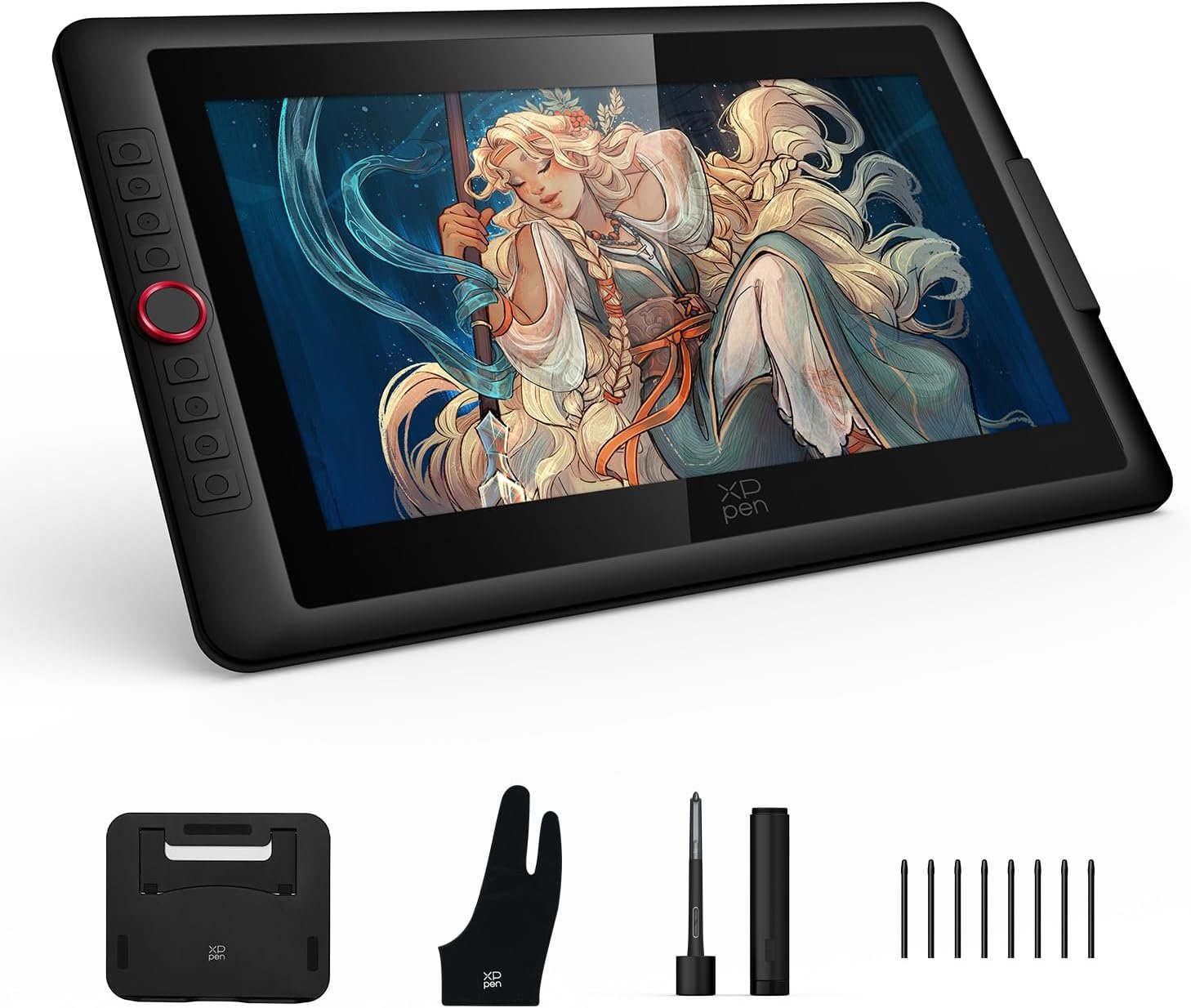
1. XPPen Artist 15.6 Pro V2 – Best Value Drawing Tablet With Screen
The XPPen Artist 15.6 Pro V2 offers one of the best pen display experiences for digital artists who want pro-level quality without the Wacom price. Its full-laminated 15.6-inch display delivers crisp visuals with reduced parallax, making drawing feel natural and precise. The anti glare glass helps you focus even under bright lighting, while the 16K pressure stylus achieves smooth shading, sketching, and detailing. With 8 customizable shortcut keys and an included adjustable stand, this tablet is built for productive workflows. It works across Windows, Mac, Linux and even Android, making it extremely versatile. Ideal for artists upgrading from a beginner tablet or transitioning to a screen tablet.
Pros
Full-laminated screen reduces parallax
Smooth 16K pressure stylus performance
Anti-glare display feels like paper
Works with PC, Mac, Linux & Android
Adjustable stand and shortcut keys included
Cons
Needs a computer to run
Colors require calibration for best results
Pen nibs wear faster on matte glass
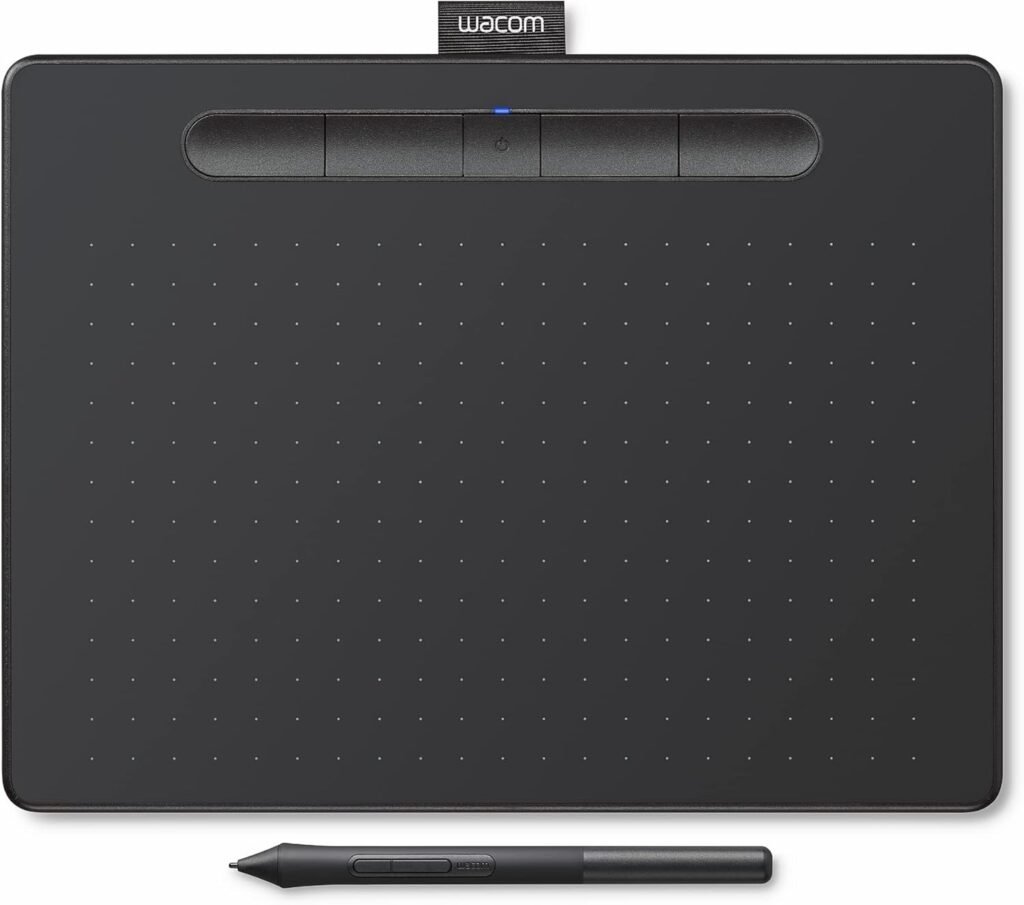
2. Wacom Intuos Medium Bluetooth Best Non-Screen Tablet for Beginners
The Wacom Intuos Medium Bluetooth remains one of the best entry-level drawing tablets for beginners, students, and casual creators. Its battery-free pen offers accurate, lightweight control that feels close to traditional sketching. With a medium active area, it gives enough room for natural hand movement without feeling cramped. Bluetooth connectivity means fewer cables on your desk, and the four ExpressKeys make quick shortcuts easier. This tablet shines in online teaching, note-taking, light illustration, and graphic design. It works seamlessly with Windows, Mac, Android and even Chromebooks, making it one of the most flexible beginner tablets available today.
Pros
Lightweight, portable, easy for beginners
Battery-free pen with smooth accuracy
Bluetooth makes the setup cable-free
Works with Chromebook, Android, Mac & Windows
Great for drawing, learning, and teaching
Cons
No screen
Not ideal for detailed pro-level shading
Surface sheet wears down over time
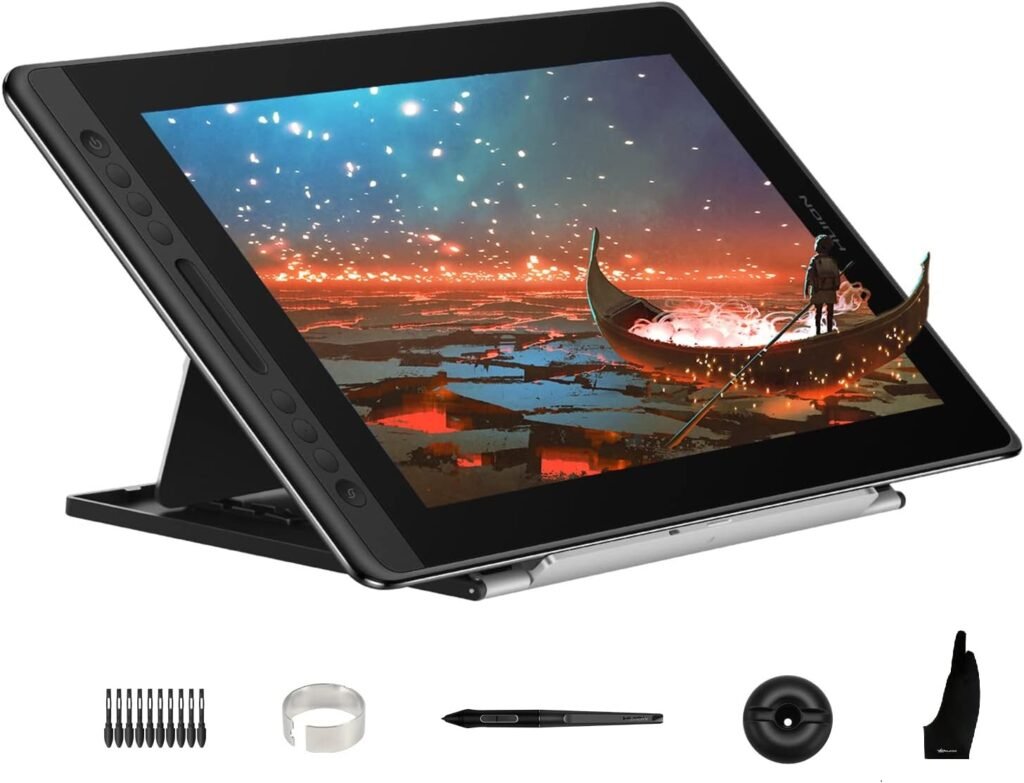
3. Huion Kamvas Pro 16 Best Mid Range Pen Display for Serious Artists
The Huion Kamvas Pro 16 is a favorite among intermediate and professional artists thanks to its excellent color accuracy and responsive stylus. The 15.6-inch display is fully laminated with anti-glare etched glass giving a natural pen on paper feel and reduced reflection. With 6 shortcut keys, a metal stand, and solid build quality, it’s designed for long drawing sessions. The pen is highly responsive with accurate tilt and pressure control, making it great for painting, design, concept art and illustration. Compatible across Mac, Windows and Linux, it offers near Wacom performance at a friendlier price point.
Pros
Excellent lamination and anti-glare texture
Crisp color accuracy for art & design
Strong build with metal stand
Responsive pen with tilt support
Great value compared to premium brands
Cons
Requires a PC/Mac
Slight heat during long sessions
Ports feel a bit tight
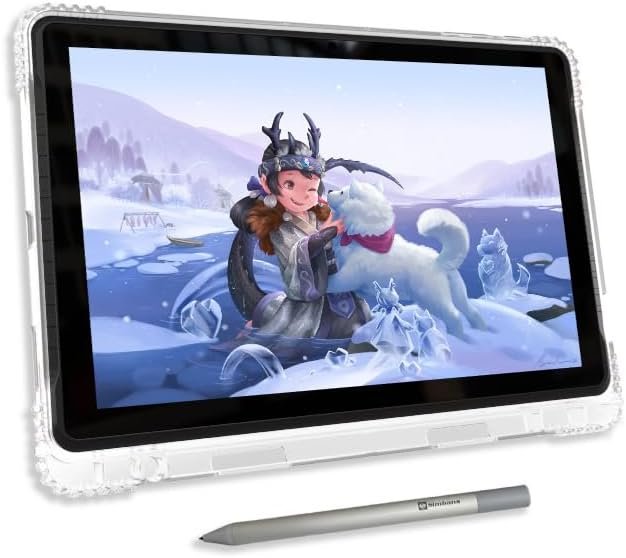
4. PicassoTab A10 Best Standalone Drawing Tablet for Beginners
The PicassoTab A10 is perfect for beginners, kids and students who want a standalone drawing tablet that doesn’t need a computer. With a 10-inch display, 6GB RAM and 128GB storage, it runs drawing apps smoothly thanks to its Android 14 OS. It includes a stylus, pre installed drawing apps, tutorials, and bonus accessories making it a full starter kit. This tablet is great for casual sketching, note taking, learning digital art, and travel. While not as powerful as premium pen displays, it offers excellent value for those entering the digital art world on a budget.
Pros
No computer required
Comes with apps, tutorials, and accessories
Good starter option for kids & beginners
Decent performance for Android drawing
Portable and easy to carry
Cons
Not suited for professional work
Stylus accuracy is basic
Limited color accuracy
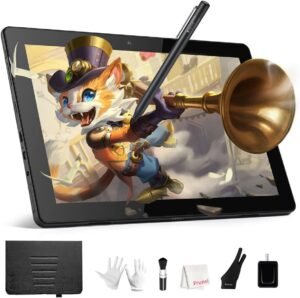
5. RubensTab T11 Pro Best Affordable Standalone Android Drawing Tablet
The RubensTab T11 Pro is another strong standalone option for beginners who want a tablet that includes everything needed to start drawing immediately. With a 10.1-inch FHD display, octa core processor and pre-installed art apps, it delivers good performance for sketching and digital illustration. It includes tutorials extra accessories and a stylus designed for general digital art. This tablet is ideal for young artists, hobbyists, and students who want portability without connecting to a laptop. While not a professional device, it provides fantastic value for learning and everyday creativity.
Pros
Standalone Android tablet
Good performance for basic art apps
Includes tutorials and accessories
Great for students and beginners
Easy to use and portable
Cons
Not for advanced professionals
Stylus pressure is limited
Display brightness could be higher